
Instagram Video Downloader
SaveFromInsta: The Ultimate Instagram Downloader
Download Instagram Photos, Videos, Reels, Stories & IGTV in HD Quality. 100% Free!
SaveFromInsta is your all-in-one solution for downloading any content from Instagram. Our powerful, free Instagram downloader lets you save photos, videos, Reels, Stories, IGTV, and profile pictures from any public account in just a few clicks, with no login, no app install, and no watermark added to your files.
Everything runs directly in your browser: paste a link, and our servers fetch the original file straight from Instagram's content delivery network, so you receive the exact quality the creator uploaded (often full 1080p HD) instead of a re-compressed, lower-quality copy.
Because nothing you download is stored on our servers, your activity stays completely private. Whether you're on an iPhone, an Android phone, a Windows PC, a Mac, or a tablet, SaveFromInsta works the same way in any modern browser, and it's completely free to use as often as you like.
Why Choose SaveFromInsta?
There are dozens of Instagram downloaders online, but most bury you in ads, cap your downloads, strip your files down to low resolution, or demand that you log in with your Instagram account, which is a real security risk. SaveFromInsta was built to be the opposite: fast, private, unlimited, and genuinely free. We never ask for your password, we never add a watermark, and we always serve the highest quality Instagram makes available. It's the tool we wanted to use ourselves, which is why hundreds of thousands of people rely on it every month to save the content they care about.
Everything you get, free:
- Full HD & original-quality downloads: we deliver the exact resolution the creator uploaded, up to 1080p and beyond, never a re-compressed copy.
- No login or password required: you never connect your Instagram account, so your credentials stay 100% safe.
- No watermark, ever: your saved photos and videos are clean, exactly as they appeared on Instagram.
- Unlimited free downloads: save as many photos, videos, Reels, and Stories as you want, with no daily limit and no hidden fees.
- Works on every device: iPhone, iPad, Android, Windows, Mac, and Linux, all straight from your browser with nothing to install.
- Blazing-fast processing: most links are ready to download in just a few seconds.
- Private and secure: downloads are processed over an encrypted connection and nothing you save is ever stored or logged on our servers.
- Every content type supported: feed posts, Reels, Stories, Highlights, IGTV, photo carousels, and profile pictures, all in one place.
How to Download from Instagram in 3 Easy Steps
Saving any Instagram photo, video, or Reel takes only a few seconds, with no technical knowledge and no account needed. Just follow these three simple steps:
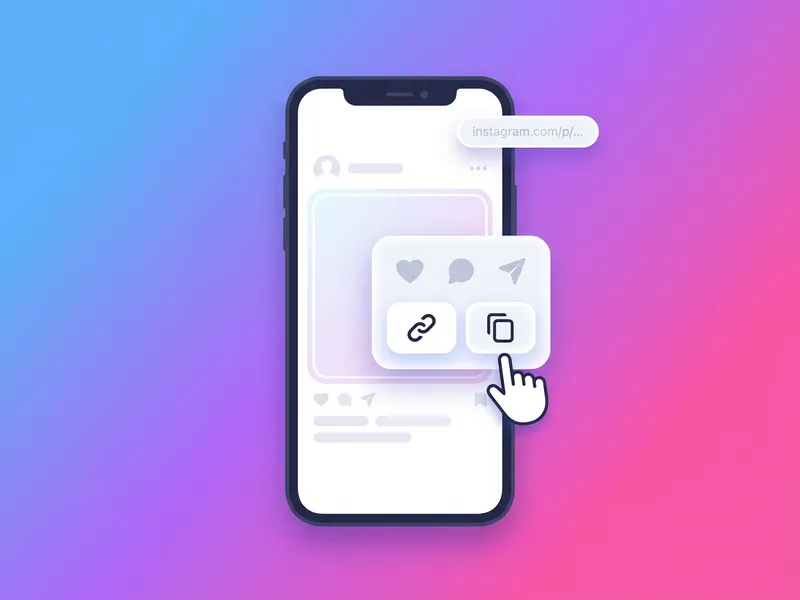
Copy the link
Open Instagram (app or website), find the post, Reel, Story, or profile you want to save, tap the three-dot menu or Share icon, and choose 'Copy link'. On a computer, just copy the URL straight from your browser's address bar.
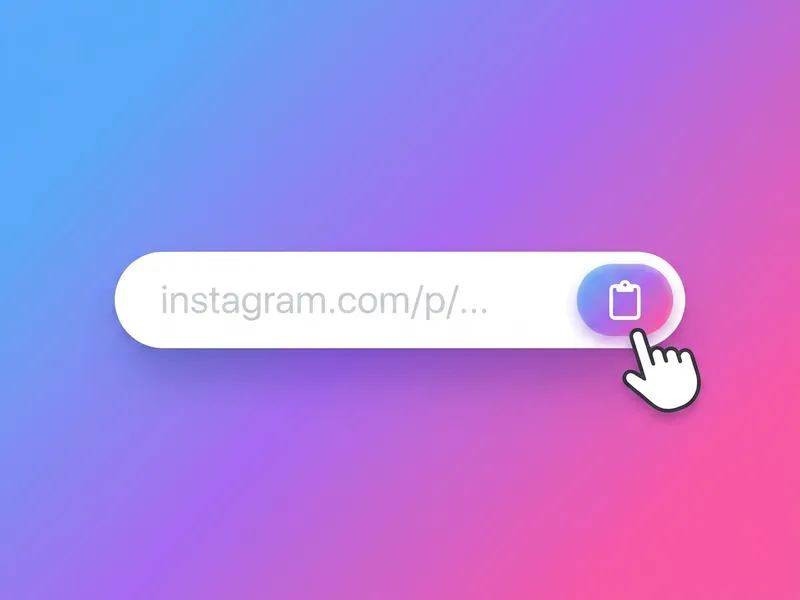
Paste the link
Come back to SaveFromInsta and paste the link into the input box at the top of the page. Use the Paste button, or press Ctrl+V (Cmd+V on a Mac). Our tool instantly recognizes the type of content behind the link.
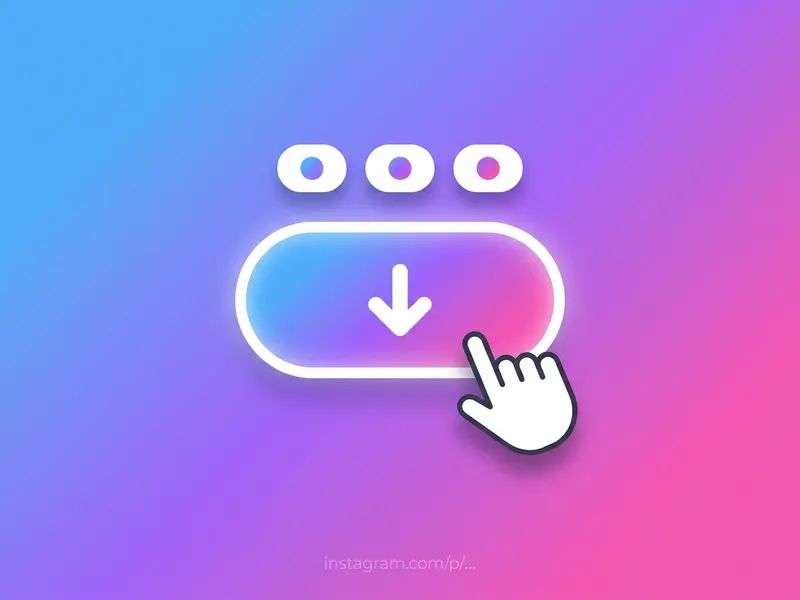
Download
Click the Download button and, within seconds, you'll see your media with the available quality options. Pick the resolution you want and save it straight to your phone or computer. Done!
That's it. There's no sign-up, no software, and no waiting. You can repeat the process as many times as you like, and the same three steps work for every kind of Instagram content, from a single photo to an entire profile's worth of Reels.
Who Uses an Instagram Downloader?
For personal use
- Save your own posts, Reels, and Stories as a personal backup before they're deleted or expire.
- Keep the funny videos, recipes, workouts, and tutorials you want to rewatch later, even offline on a flight.
- Archive precious memories shared by friends and family so you never lose them.
- Download a friend's Story or Highlight to re-share in a group chat or keep as a keepsake.
- Grab a high-resolution profile picture to see it clearly or save a contact photo.
For creators & businesses
- Collect reference clips and mood-board images for your own content and campaigns.
- Repurpose your Instagram Reels and videos for TikTok, YouTube Shorts, or your website.
- Build a swipe file of competitor posts and trending Reels for marketing research.
- Save user-generated content and testimonials (with permission) to feature in your promotions.
- Keep an organized offline archive of your brand's Instagram content for reporting and reuse.
All-in-One Instagram Downloading Tools
SaveFromInsta isn't a single-purpose tool. It's a full suite of dedicated downloaders, each optimized for a specific type of Instagram content. Pick the one that matches what you want to save:
Instagram Photo Downloader
Save single images, multi-photo carousels, and album posts in full resolution, exactly as they were uploaded, with no quality loss.
Try it now
Instagram Video Downloader
Download Instagram feed videos and IGTV in crisp HD, complete with their original sound, straight to your device in MP4 format.
Try it now
Instagram Reels Downloader
Save Instagram Reels in HD without any watermark, keeping the original audio and effects intact. Perfect for rewatching or repurposing.
Try it now
Instagram Story Downloader
Download Instagram Stories anonymously before they disappear after 24 hours. Both photo and video Stories come through in their original quality.
Try it now
Anonymous Instagram Story Viewer
Watch public Instagram Stories with no login and no app. Your name never appears in the owner's viewer list, and you can save any story you want to keep.
Try it now
Instagram Highlights Downloader
Save entire Story Highlight collections from any public profile in HD, with every photo and clip preserved in order.
Try it now
Instagram Profile Picture Downloader
View and download any public account's profile picture in full size and HD, far larger and clearer than the tiny thumbnail Instagram shows.
Try it now
Instagram Carousel Downloader
Save every slide of a multi-photo or multi-video album post in one go, delivered as individual files or a single ZIP.
Try it nowFormats, Quality & Technical Details
We keep your downloads as close to the source as possible. Here's exactly what SaveFromInsta delivers and the formats you can expect for each type of Instagram content:
- Video & Reels format: MP4 (H.264) with original audio preserved, up to 1080p Full HD or higher when the creator uploaded it.
- Photo format: Original JPG at the full resolution Instagram serves, with no downscaling or re-compression.
- Stories & Highlights: Saved as MP4 (video) or JPG (photo) in their original quality, exactly as posted.
- Profile pictures: Full-size JPG: the complete high-resolution avatar, not the cropped thumbnail.
- Carousels & albums: Every photo and video in a multi-item post can be downloaded individually or all at once.
- Watermark: None. Files are delivered clean, with nothing added.
- Supported devices: Any modern browser on iPhone, iPad, Android, Windows, Mac, or Linux. No app or extension required.
- Account required: None. SaveFromInsta never asks you to log in or share your Instagram credentials.
How SaveFromInsta Compares
Not all Instagram downloaders are equal. Here's how SaveFromInsta stacks up against the typical free downloader you'll find online:
| Feature | SaveFromInsta | Typical Competitors |
|---|---|---|
| Download quality | Original / Full HD | Often re-compressed & lower-res |
| Watermark added | Never | Frequently |
| Login / password needed | Never | Sometimes required |
| Daily download limit | Unlimited | Often capped |
| Price | 100% free | Free with paid 'pro' upsells |
| App or extension | None needed | Sometimes forced |
| Stores your data | Nothing stored | Often logs activity |
| Content types | Photos, Videos, Reels, Stories, Highlights, IGTV, DPs | Usually just one or two |