
Instagram Profile Picture (DP) Downloader
Fast Downloads
Download Instagram profile pictures instantly with our high-speed servers
Safe & Secure
No registration required, 100% secure downloading experience

High Quality
Download profile pictures in original HD quality
Mobile Friendly
Works perfectly on all devices - phones, tablets, and computers
Full Resolution
Get the highest resolution version of profile pictures
How to Download an Instagram Profile Picture in 3 Steps
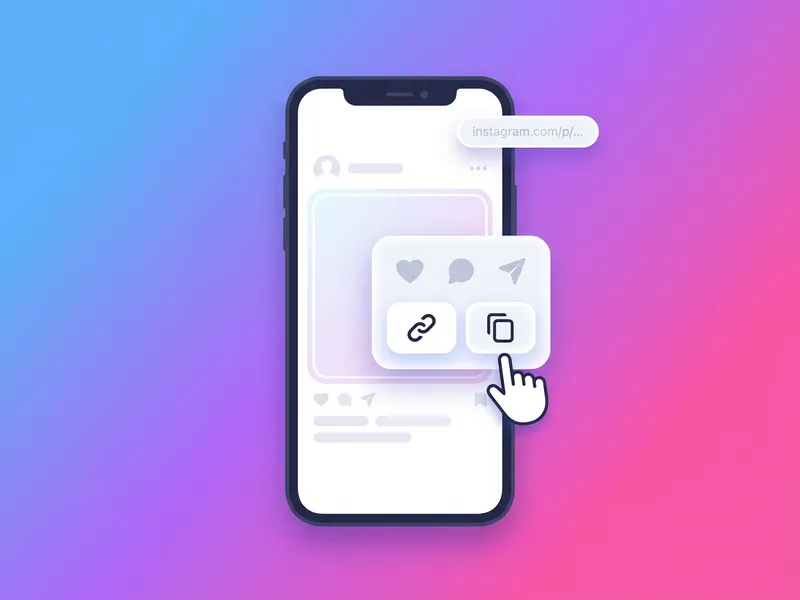
Enter the username
Type the @username of the public Instagram account into the box at the top of this page. You can also paste a link to the profile, and we'll extract the username automatically.
Load the profile
Click the button to fetch the account. We retrieve the profile picture at its original, full-size resolution, far larger than Instagram displays.
Download the picture
Click Download Profile Picture to save the full-resolution image to your device. No login, no watermark, no cost.
Download Any Instagram Profile Picture in Full Size
Instagram displays profile pictures as tiny thumbnails and gives you no way to open or save the full image. SaveFromInsta unlocks it: enter any public account's username and download its profile photo at full, original resolution, far larger and sharper than the app ever shows.
You don't need to follow the account or log in, and the owner is never notified. Type the username (or paste a profile link) and our tool fetches the highest-resolution version of the picture directly from Instagram, then hands it to you as a clean image file. Nothing is stored on our servers, so your search stays private.
It runs in any browser on any device, with no app required. Use it to see a profile picture up close, save your own avatar in full quality, or keep a high-resolution copy for a contact or design. Free, unlimited, and watermark-free.
About Instagram Profile Pictures
Full Size and HD, Not the Blurry Thumbnail
In the Instagram app a profile picture is only a small, low-resolution circle, and screenshotting it comes out blurry. This tool pulls the full-size version at the highest resolution Instagram stores, so you get a clean, sharp image instead of a pixelated crop.
DP, PFP, or Profile Photo, All the Same
"DP" (display picture), "PFP", avatar, profile photo: these are all names for the same image at the top of an account. Whichever one you use, enter the username to download the largest copy available.
Works Even for Private Accounts
Most downloaders give you nothing when an account is private. But a profile picture stays public on Instagram by design, visible to everyone no matter the account's privacy, so you can still grab it here at full HD size instead of the tiny circle the app shows. Only the picture comes through; the account's posts and Stories stay private.
View and Zoom Any Profile Picture
Instagram won't let you tap to enlarge someone's profile picture, so it is hard to see clearly. Loading the account here lets you view the DP at full size, then save a copy if you want one.
Why You Can't Save It From the App
Instagram has no "download profile picture" button, and a screenshot only grabs the tiny on-screen version. Because the image is read straight from the public profile, you get the real file, not a cropped, compressed screenshot.
No Follow, No Login, No Notification
You never have to follow the account or sign in, and the owner is never notified that you saved their picture. Enter the username, load the profile, and download. The whole process stays anonymous.