
Instagram Carousel Downloader
Photo Albums
Save entire photo carousels with one click

Fast Downloads
Instant photo downloads with no waiting time

Safe & Secure
No registration required, 100% secure downloading experience

Original Quality
Download Reels in HD quality with original audio

All Devices
Works on mobile, tablet, and desktop browsers
How to Download an Instagram Carousel in 3 Steps
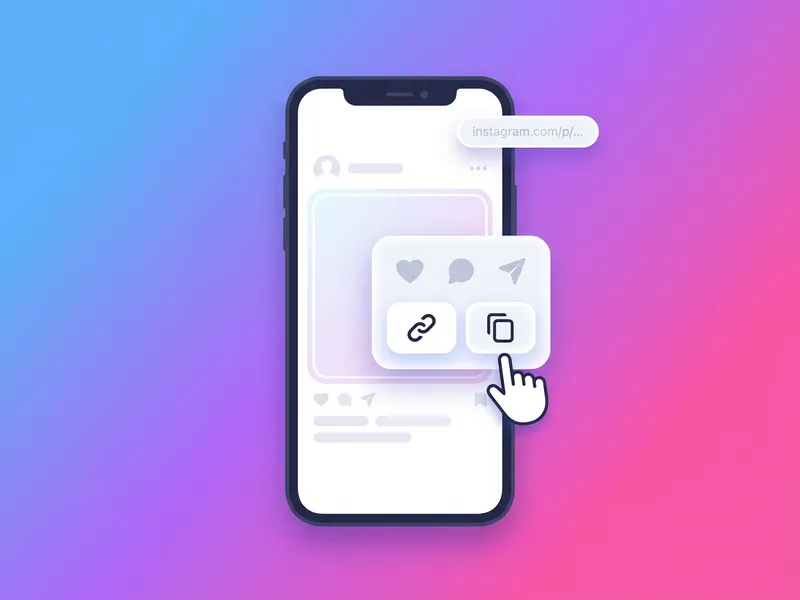
Copy the post link
Open the Instagram carousel post, tap the three-dot menu, and choose Copy Link. Any public multi-photo or multi-video post works.
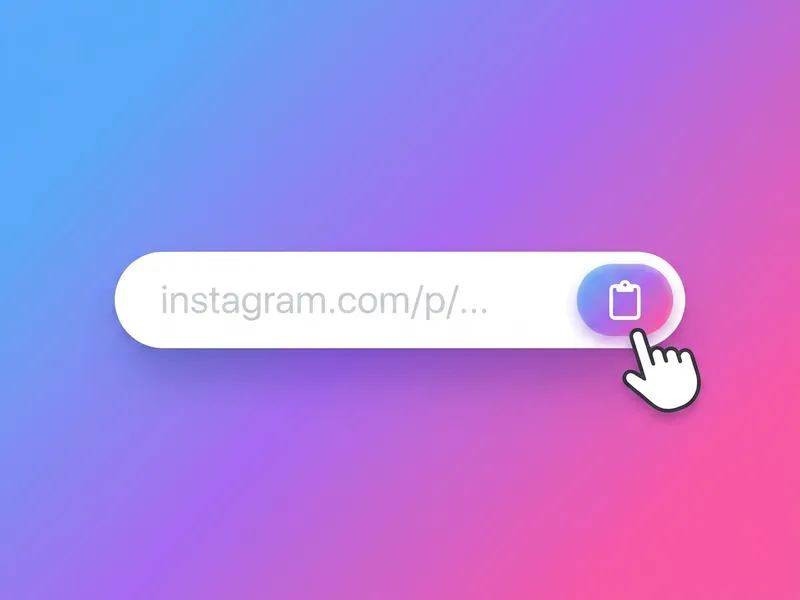
Paste it above
Return to SaveFromInsta and paste the link into the input field. We instantly detect every slide in the album.
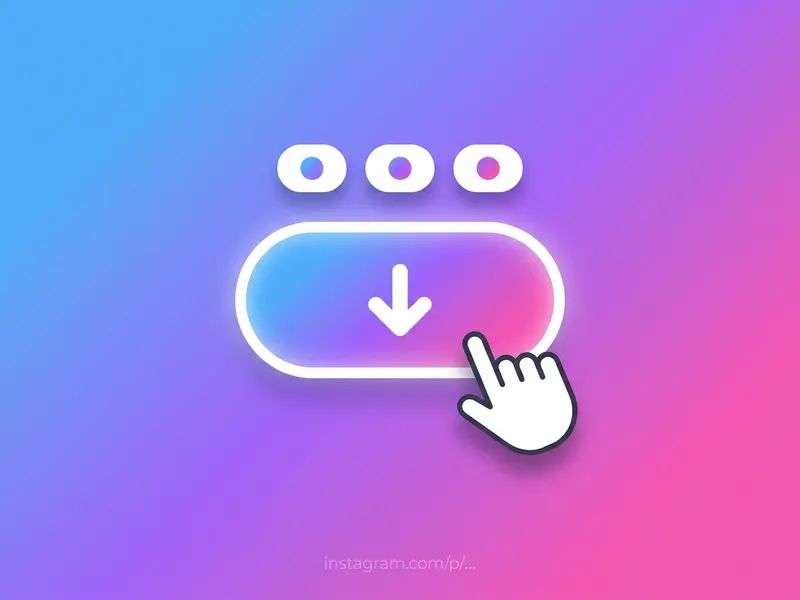
Download all slides
Save each photo or video individually, or grab the entire carousel as one ZIP file with a single click.
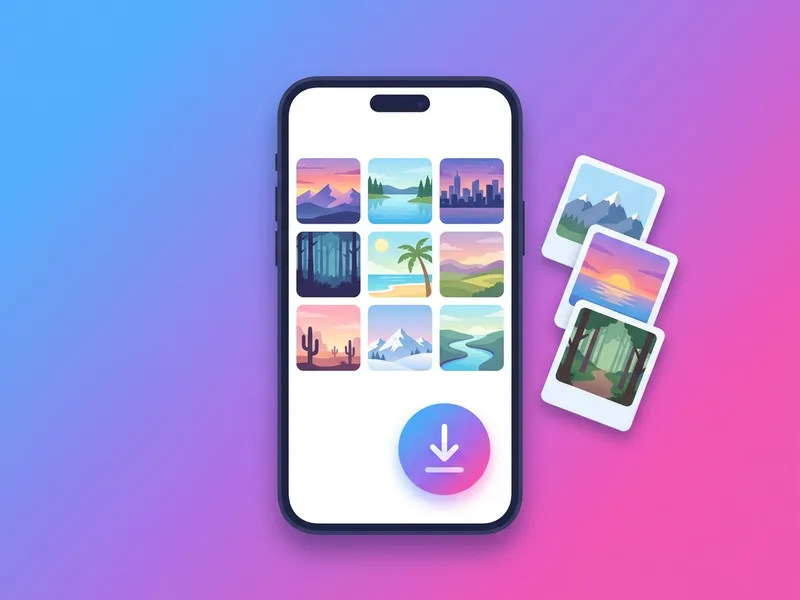
Save Complete Instagram Albums: Every Slide, Original Quality
A single Instagram carousel can hold an entire story: twenty slides of a wedding shoot, a step-by-step recipe, a photo dump from a month of travel. Saving that with screenshots means twenty cropped, compressed captures with the interface baked in. This tool takes the link instead and pulls every slide as a clean file, exactly as it was uploaded.
Paste a post link and the downloader lists each slide, photo or video, with its own preview and download button. Take single favorites, or press Download All and receive the complete album as one ZIP with files numbered in order. Photos arrive as full-resolution JPGs and videos as HD MP4s with their original sound; mixed albums keep each slide's native format. And unlike simple downloaders that stop at the first image, it reads the full media list behind the post, so slide twenty is treated exactly like slide one.
Everything runs in the browser on any device. No app, no account, no watermark, no download limits. It works with public posts, which keeps your Instagram login where it belongs: with you. Whether you're archiving your own carousels, saving inspiration boards, or keeping a copy of a photo dump before it disappears from your feed, the whole process takes about ten seconds per album.